Did you know that video content can increase engagement by up to 80% for freelancers and SMEs? In today’s digital landscape, creating professional-looking videos is crucial for businesses to stand out. With the rise of freelancing and SMEs, there’s a growing need for easy-to-use video creation tools. Using Canva’s intuitive platform, individuals can create videos easily without extensive design experience. Canva offers a range of templates, fonts, and graphics to help bring your vision to life.
By leveraging Canva’s video creation capabilities, freelancers and SMEs can produce high-quality content that resonates with their audience, ultimately driving business growth.
Introduction
As the digital landscape continues to evolve, the demand for high-quality video content has never been more critical. Businesses are increasingly leveraging video content to engage their audience, enhance brand awareness, and drive sales. In this context, Canva video editing capabilities have emerged as a valuable asset for businesses and freelancers alike.
Canva, known for its user-friendly design tool, has expanded its offerings to include robust video creation features. This expansion makes it easier for users to create professional-looking videos without needing extensive video editing experience. The significance of using Canva for business purposes cannot be overstated, as it provides a one-stop solution for various marketing needs, including social media content, promotional videos, and more.
The importance of video content in digital marketing is on the rise, with businesses recognizing its potential to captivate audiences more effectively than text-based content. By utilizing Canva’s video creation tools, businesses can produce engaging videos that resonate with their target audience. For more insights on creating effective content with Canva, you can refer to our article on Canva Magic Write, which explores how to leverage Canva’s features for compelling content creation.
In summary, the integration of video content into a business’s marketing strategy is no longer optional but a necessity. With Canva’s intuitive video editing tools, businesses can easily create high-quality video content that enhances their digital presence. Whether you’re a freelancer looking to offer more value to your clients or a small to medium-sized business aiming to boost your marketing efforts, using Canva for business video content creation is a step in the right direction.
What Are Canva Video Creation Tools
With Canva’s intuitive video creation tools, creating professional-looking videos has never been easier. Canva has become a go-to platform for freelancers and SMEs looking to produce high-quality video content without the need for extensive video editing experience.
Overview of Canva’s Video Editor
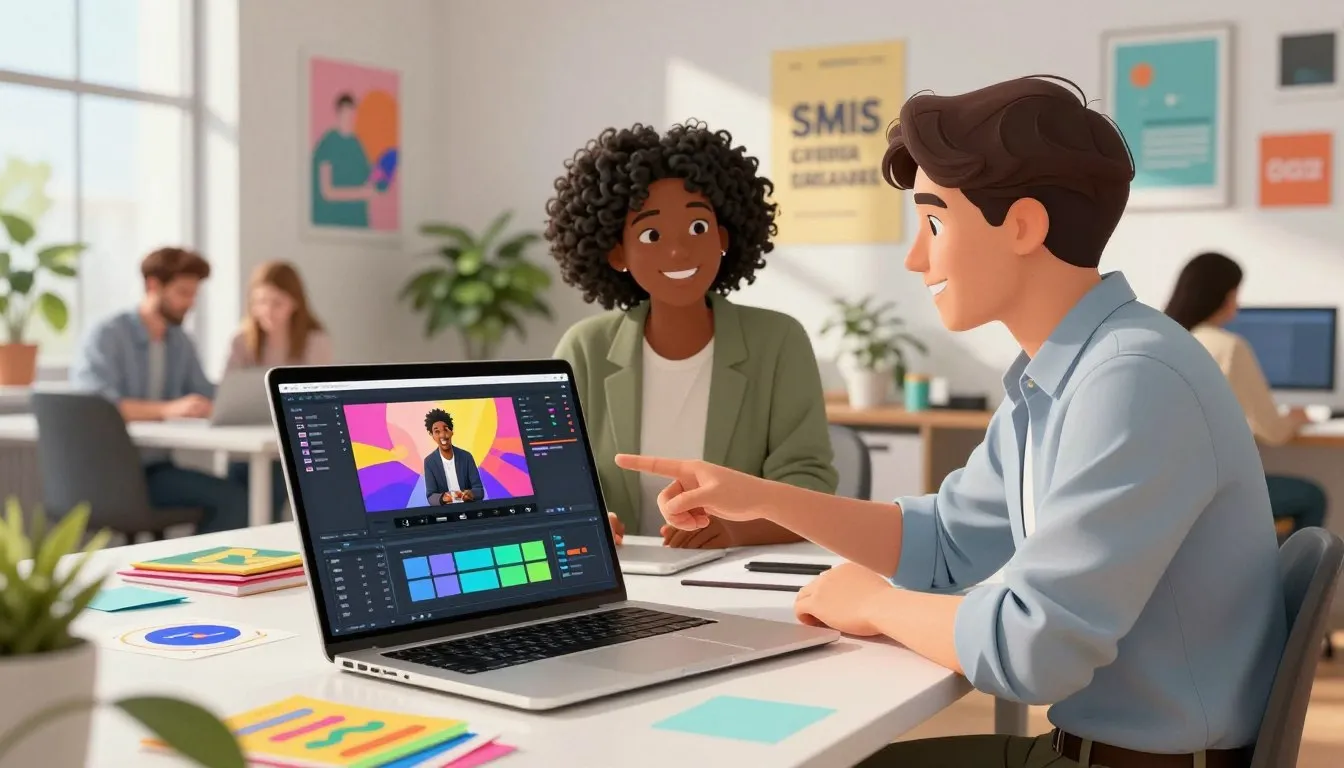
Canva’s video editor is a robust tool that offers a wide range of features to help users create engaging videos. The editor is designed to be user-friendly, making it accessible to those who are not video editing experts. Key features include a vast library of templates, drag-and-drop functionality, and a variety of customization options.
Users can easily add text, images, and music to their videos, making it a versatile tool for creating different types of video content. The Canva online video editor is cloud-based, allowing users to work on their videos from anywhere, at any time.
Types of Videos You Can Create with Canva
Canva’s video creation tools are versatile, enabling users to create a variety of video types. Some of the most popular types include social media clips, explainer videos, presentations, and slideshows. The Canva slideshow maker is particularly useful for creating engaging slideshows that can be used for presentations or social media posts.
For freelancers and SMEs, being able to create different types of video content is crucial for maintaining a strong online presence. With Canva, users can produce videos that are tailored to their specific needs, whether it’s for marketing, education, or entertainment purposes.
Why Freelancers and SMEs Need Video Content
In today’s digital landscape, video content has become an indispensable tool for freelancers and SMEs looking to elevate their online presence. With the rise of digital marketing, video has emerged as a crucial element in capturing audience attention and driving engagement.
The Role of Video in Digital Marketing
Video content plays a pivotal role in digital marketing strategies for freelancers and SMEs. It allows businesses to convey complex information in an engaging and easily digestible format. By incorporating video into their marketing mix, freelancers and SMEs can save time and money while enhancing their brand’s visibility and reach.
According to recent studies, video content can significantly boost customer engagement, with a considerable increase in shares, likes, and comments across social media platforms. Moreover, videos can improve website SEO, as search engines favor content that includes multimedia elements.
Video Content Benefits for Small Businesses
For small businesses, video content offers numerous benefits, including increased brand awareness, improved customer trust, and enhanced conversion rates. By using Canva for business video creation, SMEs can produce high-quality videos that resonate with their target audience without requiring extensive video production experience.
Furthermore, video content can be repurposed across various marketing channels, maximizing its ROI. Whether it’s used for social media campaigns, email marketing, or website content, video can help freelancers and SMEs achieve their marketing goals more effectively.
To maximize the impact of video content, freelancers and SMEs should focus on creating content that is informative, engaging, and aligned with their brand’s messaging. By doing so, they can leverage video marketing to drive business growth and stay competitive in a rapidly evolving digital landscape.
Benefits of Canva Video Creation Tools
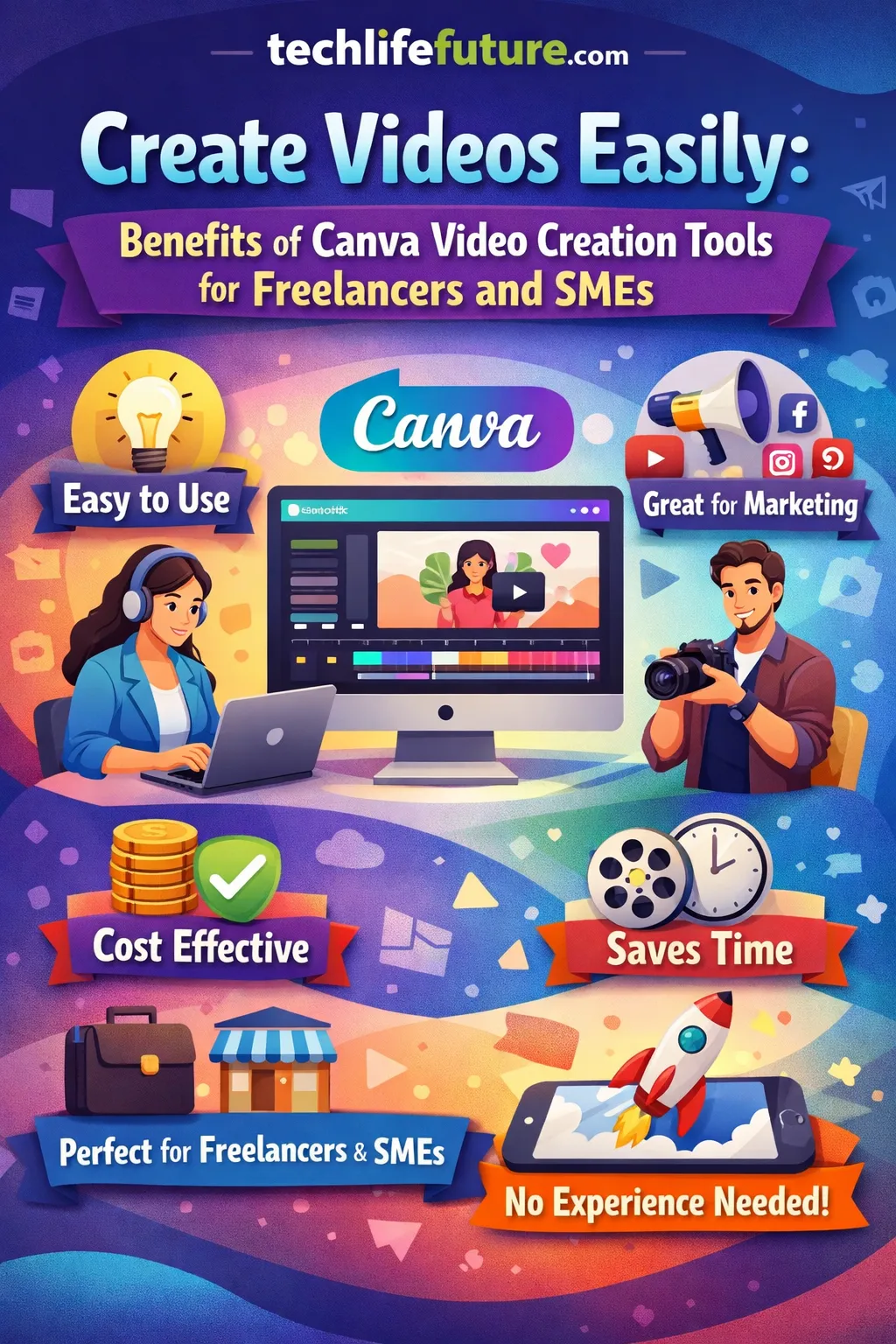
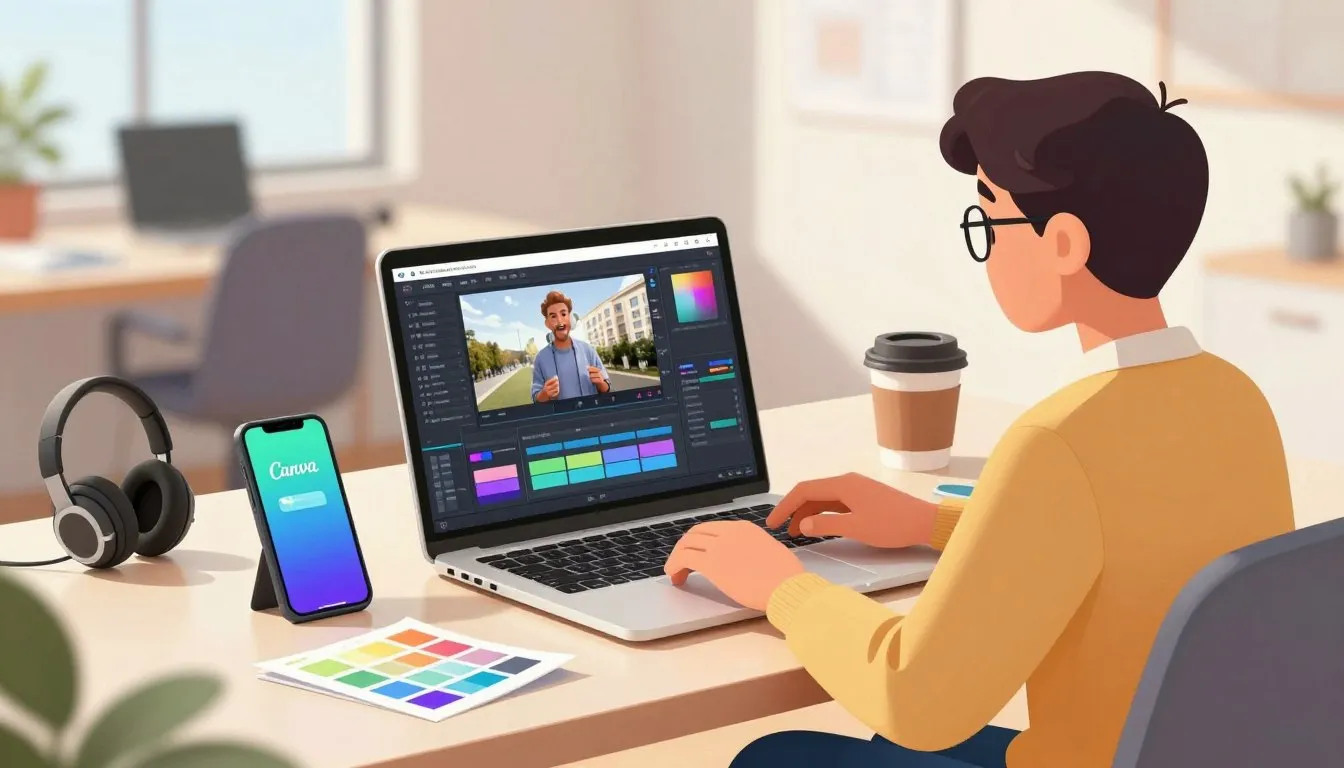
Canva’s video creation tools are designed to simplify the video production process, making it accessible to everyone. Whether you’re a freelancer or an SME, Canva provides an intuitive platform to create high-quality videos that captivate your audience.
One of the significant benefits of Canva video creation tools is their ease of use. With a user-friendly interface and a vast library of templates, you can start creating videos without any prior experience. This ease of use is particularly beneficial for small businesses and freelancers who may not have the resources to invest in extensive video production training.
The versatility of Canva’s video creation tools is another key advantage. You can create a wide range of video content, from social media clips and promotional videos to explainer videos and presentations. This versatility allows businesses to diversify their content and engage with their audience across different platforms.
Furthermore, Canva’s video creation tools are cost-effective. By using Canva, businesses can save on video production costs, which can be particularly beneficial for startups and small businesses with limited budgets. Canva’s pricing plans are designed to be affordable, making it an attractive option for businesses of all sizes.
In conclusion, Canva’s video creation tools offer a multitude of benefits, including ease of use, versatility, and cost-effectiveness. By leveraging these tools, freelancers and SMEs can enhance their digital marketing strategies and improve their brand visibility.
Source: https://www.canva.com/design-school/resources/provideos-with-ai
How Freelancers Can Use Canva Video Tools for Clients
Canva’s video creation tools empower freelancers to deliver a wide range of video content to their clients, from social media clips to explainer videos. By leveraging these tools, freelancers can enhance their service offerings and provide high-quality video content that meets their clients’ needs.
Creating Social Media Videos for Clients
Freelancers can use Canva to create engaging social media videos for their clients. With Canva’s vast template library and user-friendly editor, creating videos that capture the audience’s attention is straightforward. Key features include customizable templates, drag-and-drop functionality, and a wide range of fonts and graphics.
To create effective social media videos, freelancers should focus on keeping the content concise, visually appealing, and aligned with the client’s brand identity. Canva’s tools make it easy to achieve this by allowing freelancers to upload their client’s branding assets and incorporate them into the video.
Video Ads and Promotional Content
Canva’s video creation tools are also ideal for producing video ads and promotional content for clients. Freelancers can create compelling narratives that highlight their clients’ products or services, driving engagement and conversions. Canva’s library of graphics, fonts, and music tracks helps freelancers craft professional-grade video ads.
When creating video ads, it’s essential to capture the viewer’s attention within the first few seconds. Canva’s intuitive editor allows freelancers to experiment with different layouts, animations, and effects to make their video ads stand out.
Explainer and Presentation Videos
Explainer and presentation videos are another area where freelancers can leverage Canva’s capabilities. These types of videos are perfect for explaining complex concepts or showcasing products and services engagingly. Canva’s templates and design elements help simplify the process, making it easier to create informative and engaging explainer videos.
Freelancers can customize Canva’s templates to fit their clients’ branding and messaging, ensuring that the final product is both informative and visually appealing.
Source: https://www.canva.com/design-school/resources/easily-create-expert-videos
Canva Video Tools vs Traditional Video Editors
Canva has made significant strides in video editing, but how does it stack up against industry standards like Adobe Premiere Pro and Final Cut Pro? The choice between using Canva’s video editing tools and traditional video editors depends on several factors, including the user’s level of expertise, the complexity of the project, and the desired outcome.
Canva vs Adobe Premiere Pro
Adobe Premiere Pro is a professional-grade video editing software that offers advanced features and precision control. However, it comes with a steeper learning curve and a higher price point compared to Canva. Canva’s user-friendly interface and drag-and-drop functionality make it accessible to those without extensive video editing experience. While Premiere Pro is ideal for complex projects requiring multi-track editing and advanced color grading, Canva is better suited for simpler projects and social media content creation.
“Canva has revolutionized the way we create video content, making it possible for anyone to produce high-quality videos without needing to be a professional editor,” says a marketing expert. This accessibility is a significant advantage for freelancers and small businesses looking to produce engaging video content quickly.
Canva vs Final Cut Pro
Final Cut Pro is another professional-grade video editing software, exclusive to Mac users, known for its advanced features and high-performance capabilities. Like Adobe Premiere Pro, it offers a range of sophisticated tools for video editing, including color correction and audio editing. However, Canva’s cloud-based platform allows for collaboration and accessibility from anywhere, which is not a standard feature in Final Cut Pro.
For projects that require advanced editing features and are being worked on by a single user on a Mac, Final Cut Pro might be the better choice. On the other hand, for collaborative projects or those needing to be edited on various devices, Canva’s flexibility makes it an attractive option.
Who Should Use Canva Video Creation Tools
Canva video creation tools are revolutionizing the way businesses and freelancers produce high-quality video content. With its user-friendly interface and extensive features, Canva is an ideal choice for various professionals and businesses looking to enhance their video content.
As noted by a marketing expert,
“Video content is no longer a luxury, it’s a necessity for businesses to stay competitive in the market.”
Canva’s video creation tools make it possible for anyone to create engaging video content without requiring extensive video editing experience.
Freelancers and Content Creators
Freelancers and content creators can greatly benefit from Canva’s video creation tools. With Canva, they can create high-quality video content for their clients, including social media videos, explainer videos, and presentation videos.
Key benefits for freelancers include: increased productivity, improved video quality, and the ability to offer a wider range of services to clients.
Small and Medium-Sized Businesses
Small and medium-sized businesses (SMEs) can also leverage Canva’s video creation tools to enhance their marketing efforts. By creating engaging video content, SMEs can increase brand awareness, drive website traffic, and boost sales.
As stated by a business owner,
“Canva has been a game-changer for our marketing strategy. We can now create high-quality video content in-house, saving time and money.”
Marketers and Social Media Managers
Marketers and social media managers can use Canva’s video creation tools to create engaging video content for social media platforms. With Canva, they can create videos that drive engagement, increase brand awareness, and reach a wider audience.
By utilizing Canva’s video creation tools, marketers and social media managers can streamline their workflow, improve video quality, and achieve their marketing goals.
FAQ
Q: What is Canva, and how does it help with video creation?
Canva is a graphic design software that also offers video creation tools, allowing users to create professional-looking videos easily. Its intuitive interface and vast template library make it an ideal choice for freelancers and SMEs.
Q: What types of videos can I create with Canva?
Canva allows you to create a variety of videos, including social media clips, explainer videos, presentations, and promotional content. Its versatility makes it suitable for different business needs and marketing strategies.
Q: Is Canva a good alternative to traditional video editors like Adobe Premiere Pro?
Canva is a user-friendly and accessible video creation tool that can be a great alternative to traditional video editors, especially for those without extensive video editing experience. While it may not offer the same level of complexity as Adobe Premiere Pro, Canva’s ease of use and speed make it an attractive option for many users.
Q: Can I use Canva video creation tools for client projects as a freelancer?
Yes, Canva’s video creation tools are suitable for freelancers to use for client projects. Its ease of use and professional-looking templates can help you deliver high-quality videos to your clients.
Q: How do Canva video creation tools benefit small and medium-sized businesses?
Canva video creation tools can benefit SMEs by providing them with an easy-to-use platform to create engaging video content, enhancing their digital marketing efforts and helping them reach their target audience more effectively.
Q: Are Canva video creation tools suitable for marketers and social media managers?
Yes, Canva’s video creation tools are suitable for marketers and social media managers. They can help create engaging video content for social media campaigns, promotional materials, and other marketing initiatives.
Q: Can I customize Canva’s video templates to fit my brand’s identity?
Yes, Canva allows you to customize its video templates to fit your brand’s identity. You can upload your logos, fonts, and colour schemes to ensure consistency across your video content.
Q: Is Canva’s video creation tool cost-effective?
Yes, Canva’s video creation tool is cost-effective, offering a range of pricing plans, including a free version, to suit different business needs and budgets.
Final Thoughts on Canva Video Creation Tools
As we conclude our exploration of Canva video creation tools, it’s clear that these tools offer a game-changing solution for freelancers and SMEs looking to create videos easily and efficiently. With their intuitive interface and robust features, Canva video creation tools have made it possible for businesses to produce high-quality video content without the need for extensive video editing experience.
The benefits of using Canva video creation tools are multifaceted, from saving time and money to enhancing the overall quality of video content. By leveraging Canva’s vast template library and user-friendly editor, businesses can create engaging videos that captivate their audience and drive results.
Is Canva Worth It for Video Creation
Determining whether Canva is worth it for video creation depends on several factors, including your specific needs, budget, and the type of videos you aim to create. For many freelancers and SMEs, Canva’s video creation tools offer an unbeatable combination of quality, ease of use, and affordability.
Canva’s free plan is particularly appealing for those on a tight budget, offering access to a wide range of templates and features. For those requiring more advanced features, Canva’s paid plans provide additional benefits, such as increased storage and more extensive customization options.
When Canva Is the Best Choice
Canva video creation tools are the best choice for businesses and individuals who need to produce high-quality video content quickly and efficiently. They are particularly suited for creating social media videos, promotional content, and explainer videos, where the focus is on engaging the audience and concisely conveying information.
In conclusion, Canva video creation tools are a valuable resource for anyone looking to create professional-grade videos without the complexity and cost associated with traditional video editing software. By embracing Canva, freelancers and SMEs can elevate their video content, enhance their brand presence, and achieve their marketing goals more effectively.
About the Author & Disclosures
John Cosstick is Founder-Editor of TechLifeFuture.com and winner of the 2024 BOLD Award for Open Innovation in Digital Industries. He is a former banker, accountant, and certified financial planner. He is now a freelance journalist and author. John is a member of the Media Entertainment and Arts Alliance (Union). You can visit his Amazon author page by clicking HERE.
Reference Links
For further reading and to verify the information presented in this article, please refer to the following authoritative sources: