Did you know a malicious attack happens on the internet every 39 seconds? This shows why keeping your digital life safe is crucial for Canadians.
In today’s world, keeping your personal data safe is a must. Whether you run a small business in Toronto or just surf the web at home, knowing the basics of online protection is key.
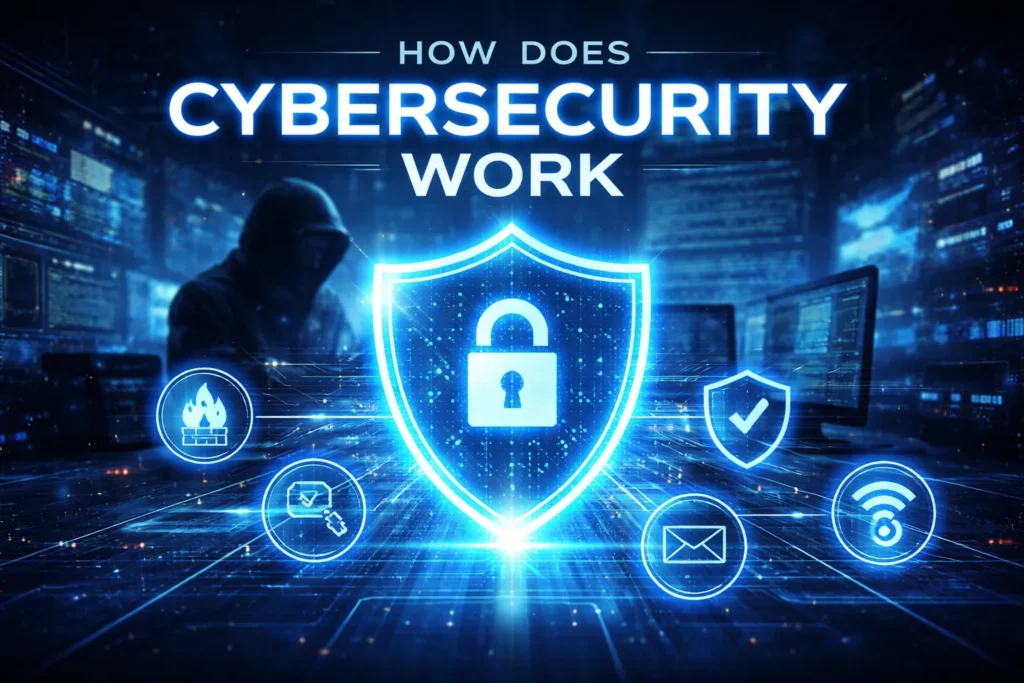
Many feel lost in a sea of technical terms. But learning cybersecurity basics is easy. By understanding the basics, you can defend yourself against today’s threats.
This guide makes digital protection easy to understand. We’ll cover how cybersecurity works for beginners. This way, you can protect your information in our changing digital world. Empower yourself today by learning the key strategies for keeping your data safe.
Understanding How Cybersecurity Works for Beginners
Cybersecurity is about keeping your digital world safe from threats. As we use more digital tech, knowing the basics of cybersecurity is key.
The digital world is always changing, with new tech and risks popping up. This means cyber attackers have more ways to harm us.
Defining the Digital Defence Landscape
The digital defence landscape is all about protecting digital stuff from cyber threats. It includes many technologies and practices to keep networks, devices, and data safe.
This landscape is always changing. Cyber threats evolve, so our defences must too. We need to keep up with security updates and stay aware of new threats.
The Core Pillars of Cybersecurity: Confidentiality, Integrity, and Availability
The core of cybersecurity is the CIA triad: confidentiality, integrity, and availability. Confidentiality means keeping sensitive info safe from unauthorized access.
Integrity is about making sure data is accurate and trustworthy. It’s important for keeping digital info reliable.
Availability ensures data and systems are ready when we need them. It’s about making sure digital assets are always accessible to those who should have them.
These three pillars are the heart of cybersecurity. Understanding and applying them is vital for protecting our digital world.
Assessing Your Personal Digital Vulnerabilities
Understanding your digital vulnerabilities is the first step to protecting your online presence. As we explore cybersecurity, it’s key for beginners to learn how to safeguard their digital lives.
Identifying Sensitive Data on Your Devices
Your devices store a lot of personal data, like financial info and sensitive documents. Identifying what data you have and where it’s stored is vital. Start by checking what’s on your devices, including computers, smartphones, and external storage.
Look for documents, emails, and apps with sensitive info. Common places to check include:
- Document folders for sensitive files
- Email accounts for confidential communications
- Financial applications and digital wallets
Recognizing Common Entry Points for Cyber Threats
Cyber threats often target weak spots in your digital defenses. Recognizing common entry points helps strengthen your security. These spots include outdated software, weak passwords, and suspicious emails or links.
- Keep your operating system and applications updated
- Use strong, unique passwords for all accounts
- Be cautious with emails and links from unknown sources
By taking these steps, you can greatly lower your risk of cyber threats.
Securing Your Network Infrastructure
Protecting your digital world starts with securing your network. A safe network is key to fighting off cyber threats and keeping your data safe. We’ll look at important steps to make your network secure.
Configuring Your Home Router for Maximum Protection
Your home router is a critical part of your online security. Start by changing the default password to a strong, unique one. This makes it harder for hackers to get in. Also, keep your router’s software up-to-date to fix security holes.
Enable WPA3 encryption on your router for better Wi-Fi security. WPA3 is the newest security standard. If your router doesn’t support WPA3, think about getting a newer one.
The Role of Firewalls in Blocking Unauthorized Access
A firewall is like a shield for your network. It checks incoming and outgoing traffic and blocks bad stuff. Most computers have a firewall that you should turn on for extra protection.
For even more security, use a hardware firewall, like those in modern routers. Configuring your firewall correctly is key. It should block unwanted traffic but let good traffic through.
- Enable the firewall on your router and computer.
- Configure the firewall settings to block unnecessary incoming and outgoing traffic.
- Regularly review firewall logs to detect and respond to potential threats.
By securing your network, you’ll lower the risk of cyber attacks and keep your online world safe.
Implementing Strong Authentication Protocols
Strong authentication is a key cybersecurity fundamental for beginners. It’s the first defense against unauthorized access to personal data. In the world of cybersecurity concepts for beginners, strong authentication is essential for protecting our digital identities.
Let’s talk about making strong passwords and passphrases. A good password is hard for humans and computers to guess. It should have letters, numbers, and special characters. The longer it is, the safer it is.
A passphrase, a sequence of words, can be both secure and easy to remember.
Creating Robust Passwords and Passphrases
When making passwords, avoid using names, birthdays, or common words. Use a password manager to create and store unique, complex passwords. This boosts security and makes managing passwords easier.
Don’t use the same password for all accounts. If one account is hacked, others with the same password are at risk. Using unique passwords for each account reduces the risk of a breach.
Enabling Multi-Factor Authentication Across All Accounts
While strong passwords are important, they’re not enough. That’s where multi-factor authentication (MFA) comes in. MFA adds a second verification step, like a code sent to your phone or a biometric scan. This makes it much harder for attackers to get in.
Turning on MFA for all accounts is easy and boosts your security. Most online services, like email and social media, offer MFA. With MFA, even if your password is stolen, your account is still safe.
In summary, strong authentication is crucial for protecting your online presence. By making strong passwords and using MFA, you greatly lower the risk of account breaches. These cybersecurity concepts for beginners are essential for a secure online identity.
Protecting Devices with Endpoint Security
Endpoint security is key in keeping devices safe from cyber threats. It protects entry points of devices like desktops, laptops, and mobiles from hackers.
“Endpoint security is more than just antivirus software,” experts say. “It’s about a layered defense strategy to fight off different threats.”
The Importance of Antivirus and Anti-Malware Software
Antivirus and anti-malware software are crucial for endpoint security. They find, stop, and remove malware from devices. It’s important to keep this software up to date to fight new threats.
When picking antivirus and anti-malware, look for:
- Real-time protection
- How often do they update
- Can they find and remove many types of malware?
Keeping Operating Systems and Applications Updated
Keeping OS and apps updated is also key. Updates fix security holes that hackers might use. Turning on automatic updates makes this easier and keeps you safe.
Also, check and update your software list often. This helps find and remove old apps that could be risky.
“The best endpoint security combines strong antivirus, regular updates, and knowing how to stay safe,” a top cybersecurity expert notes.
By focusing on these areas, you can make your devices much safer. This helps protect against many cyber dangers.
Safeguarding Data Through Encryption
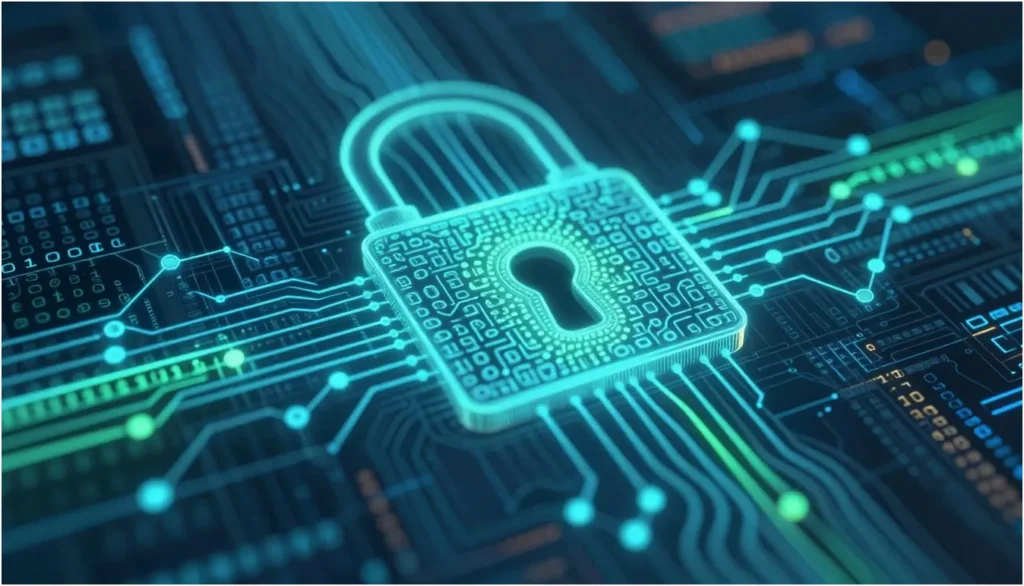
Encryption is key in keeping our data safe. It turns plain data into unreadable code, keeping it away from those who shouldn’t see it. This is vital for anyone new to a beginner’s guide to cybersecurity, as it’s the first step in protecting important info.
How Encryption Transforms Data into Unreadable Code
Encryption scrambles data with algorithms, making it unreadable without the right key. This means even if someone gets their hands on your data, they won’t be able to use it without the decryption key. There are two main types of encryption:
- Symmetric encryption, which uses the same key for both encryption and decryption.
- Asymmetric encryption, which uses a pair of keys: one for encryption and another for decryption.
Knowing these basics is essential for understanding how cybersecurity works for beginners. It helps in making smart choices about keeping data safe.
Utilizing Virtual Private Networks for Secure Browsing
A Virtual Private Network (VPN) encrypts your internet traffic, making your browsing private and secure. It’s especially useful when using public Wi-Fi, as it keeps your data safe from hackers. The main benefits of using a VPN are:
- It adds an extra layer of security through encryption.
- It protects your sensitive information.
- It keeps your browsing anonymous.
For a full beginner’s guide to cybersecurity, using a VPN is a big step towards keeping your online world safe.
Recognizing and Deflecting Social Engineering Attacks
Understanding how to spot and stop social engineering attacks is key to keeping our digital world safe. These attacks use tricks on people, not just technology. This makes them hard to fight.
There are many types of social engineering attacks. They all aim to get people to share secrets or sneak into systems. Knowing these tricks helps us protect ourselves and our groups.
Identifying Phishing Emails and Smishing Attempts
Phishing emails and smishing (SMS phishing) are common tricks. They try to get people to share personal info. Phishing emails look like they’re from trusted places like banks or stores. They might have links or attachments that can harm your computer.
To spot phishing, watch for red flags like bad spelling and urgent messages. Smishing texts also try to trick you, asking you to click links or call numbers.
- Be careful with emails or texts that ask for personal info.
- Check if messages are real by calling the company directly.
- Don’t click on weird links or open attachments from unknown senders.
Verifying the Authenticity of Digital Communications
It’s important to check if digital messages are real. Look at the sender’s email or phone number to make sure it’s right.
Companies can use authentication protocols to check messages. For us, being careful and checking info through other ways can help a lot.
By staying alert and informed, we can better fight social engineering attacks. This makes our online world safer.
Backing Up Critical Information
Many people overlook the importance of backing up important data. This is a key part of cybersecurity basics for beginners. If your data gets lost due to a cyberattack or hardware failure, a backup can save the day.
Backing up your data is crucial for keeping your business running smoothly. It also helps individuals protect their personal memories and important documents.
The 3-2-1 Backup Strategy Explained
The 3-2-1 backup strategy is a top choice for data safety. It means having three copies of your data, on two different types of media, and one copy stored offsite. This way, your data is safe from many types of loss.
- Three copies of your data: This includes the original data and two backups.
- Two different types of media: For example, one backup on an external hard drive and another in cloud storage.
- One copy stored offsite: This could be a cloud storage service or an external drive stored in a different physical location.
Choosing Between Cloud Storage and Physical External Drives
When it comes to data backup, you have two main choices: cloud storage and physical external drives. Each has its own benefits and drawbacks.
Cloud Storage: Cloud services like Google Drive, Dropbox, and OneDrive are easy to use. They sync your data across devices and offer offsite storage. But, they need a stable internet connection and might cost money.
Physical External Drives: External hard drives are a solid backup option that doesn’t need the internet. They’re good for big data sets but need manual updates and can get damaged or stolen.
Using both cloud storage and physical external drives is a strong backup plan. It follows the 3-2-1 rule. It’s important to think about what works best for you based on your needs and preferences.

Monitoring for Signs of a Security Breach
Keeping your digital defenses strong means staying alert for signs of a breach. Cybersecurity is not just about stopping attacks. It’s also about being ready to spot and handle them. For beginners, knowing the basics of cybersecurity fundamentals for beginners is key to spotting threats.
Regular checks can catch issues early, before they become big problems. Watch your accounts, devices, and networks for odd activity that might show a breach.
Detecting Unusual Account Activity
Spotting unusual account activity is a first step in watching for breaches. This includes odd transactions, changes to account settings, or login attempts from places you don’t know. Catching these signs early lets you act fast to protect your accounts.
- Always check your bank and credit card statements for unknown transactions.
- Keep an eye on your email and social media for any odd activity, like strange posts or messages.
- Use security software that warns you about threats like malware or phishing.
Responding to Ransomware and Identity Theft
If you spot a breach, acting fast is crucial. Ransomware and identity theft are common breaches. Knowing how to handle these threats can lessen their damage.
Ransomware is malware that locks your files and demands a ransom. If hit by ransomware, don’t pay the ransom. It doesn’t ensure you’ll get your files back. Instead, isolate the device, report the attack, and restore data from backups.
Identity theft happens when someone uses your info without permission. If you think you’re a victim, act fast. Secure your accounts, report the theft, and watch your credit reports for odd activity.
By staying informed and alert, you can improve your cybersecurity skills for beginners. Regular checks and quick action to threats are vital for strong cybersecurity.
FAQ
Q1: How can I understand how cybersecurity works for beginners?
Cybersecurity is about protecting systems and data from digital attacks. It’s like a shield made of technology and personal awareness. This shield keeps your data safe on devices like MacBooks or smartphones.
Q2: What are the core cybersecurity fundamentals for beginners?
The basics include the CIA triad: Confidentiality, Integrity, and Availability. These ensure your data stays private, is not tampered with, and is always accessible. Learning these basics is crucial for digital safety.
Q3: Why is a beginner’s guide to cybersecurity necessary for my home network?
Your home router is key to your digital world. A good guide teaches you to change admin passwords and use WPA3 encryption. This keeps hackers out and your data safe.
Q4: What are the most important cybersecurity concepts for novices regarding account safety?
Multi-Factor Authentication (MFA) is key for novices. It adds a second step to verify your identity. Even if hackers get your password, they can’t access your accounts without the second code.
Q5: How is cybersecurity explained for beginners when it comes to software updates?
Experts talk about “patching” for beginners. Companies like Adobe and Microsoft release updates to fix security issues. Keeping your software up to date is essential to block hackers.
Q6: What role does encryption play in understanding cybersecurity for beginners?
Encryption is vital for beginners. It scrambles your data, making it unreadable without the right “key.” Services like Signal and VPNs keep your data safe from prying eyes.
Q7: How can I defend against social engineering and phishing?
Social engineering tricks people into sharing confidential info. Beginners should learn to spot fake emails or texts. Always check the sender’s address and avoid suspicious links to keep your identity safe.
Q8: What is the 3-2-1 backup strategy in cybersecurity basics?
The 3-2-1 strategy is about data backup. Keep three copies of your data, on two different types of media, with one off-site. This protects you from ransomware attacks without paying a ransom.
Q9: How can I monitor for signs of a security breach?
Stay alert to signs of a breach. Regularly check for unusual activity on accounts like PayPal. Unexpected password reset emails or login attempts from unknown locations mean you need to update your security.
Conclusion
Understanding cybersecurity is key in today’s digital world. It involves many steps to keep us safe from threats.
First, we need to check our digital weaknesses. This helps us find where hackers might try to get in. We must also protect our networks, use strong passwords, and keep our devices safe.
Keeping our data safe is also important. This means using encryption, being careful of scams, and making backups. We should also watch for any signs of a breach.
By following these basic steps, we can lower the chance of cyber attacks. Staying up-to-date and using these methods will make our online world safer.
Authority Reference Links
- https://www.cisa.gov/known-exploited-vulnerabilities-catalog
- https://apwg.org/trendsreports/https://www.nist.gov/itl/smallbusinesscyber/guidance-topic/multi-factor-authentication
- https://eng.umd.edu/news/story/study-hackers-attack-every-39-seconds
- https://www.techtarget.com/whatis/definition/Confidentiality-integrity-and-availability-CIA
This is a guest post article by Dwight from www.reciprocitylabs.com